LinkedIn

Mobile app development · Hyderabad, India

Mobile app development for businesses in Hyderabad and across India.

Help customers book, shop and stay connected. Give your team an easier way to get work done.

Sagiam designs and builds Android, iPhone and cross-platform apps for customers, staff and business operations. We help you choose the right features, review the screens and prepare the app for launch.

Customer appsBookings & ordersStaff apps
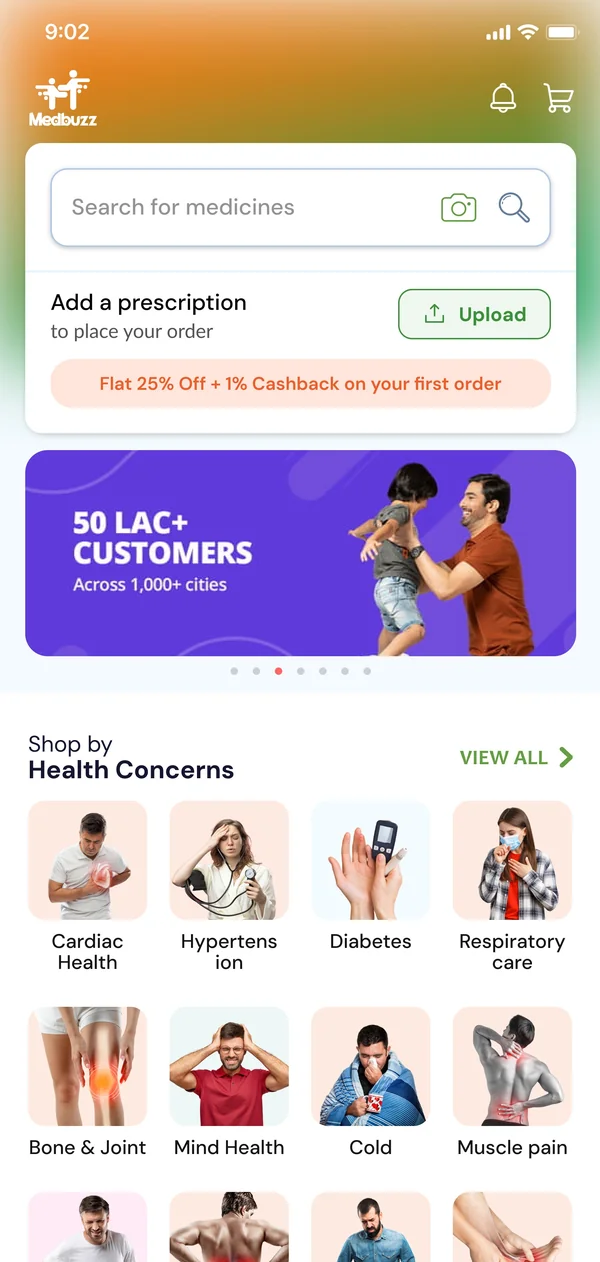
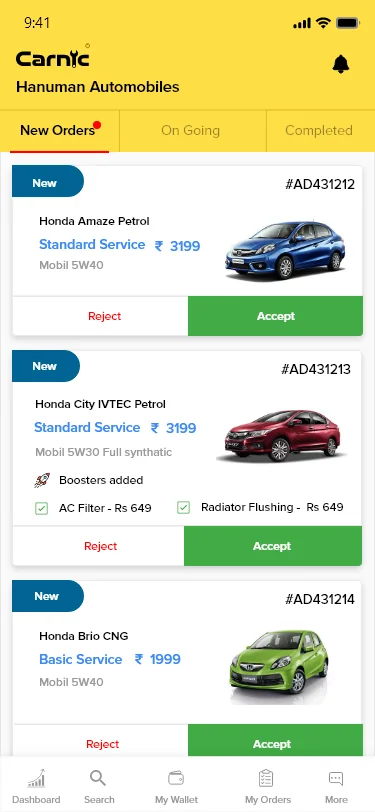
A few apps we’ve built Medbuzz app home with medicine search and prescription upload Carnic garage app dashboard

Our app projects

Real apps.
Built for everyday needs.

From buying medicines to booking car services and sending parcels, see how our apps help people get things done.

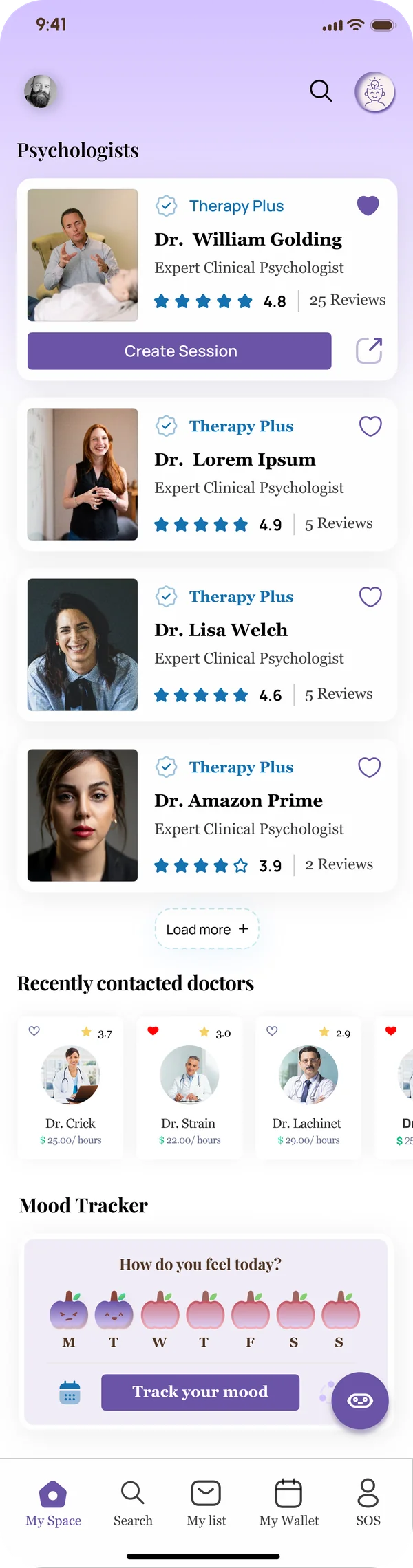
Mind360 therapist discovery interfaceMind360 video consultation interface preview
Find a therapist · Speak over video

Find a therapist & book a session

Find a therapist, book a session and speak through chat or video. Users can also record how they feel each day.

  • Find a therapist
  • Video calls
  • Daily mood check
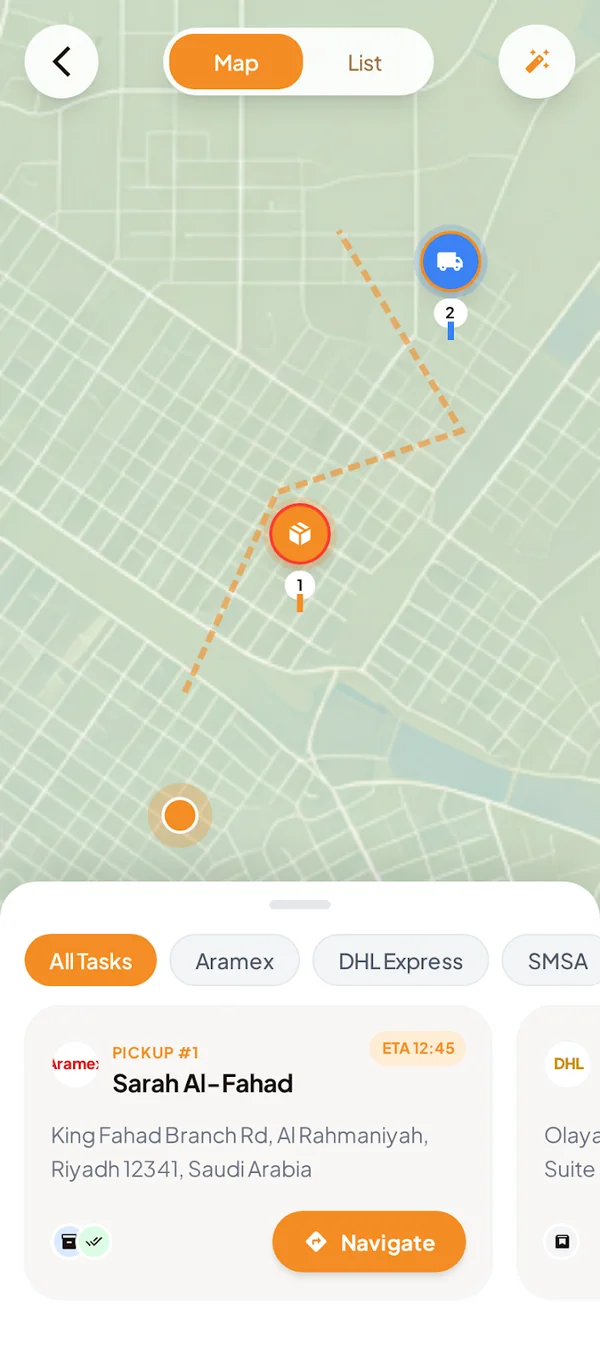
Twseel courier route and pickup mapTwseel merchant app dashboard
Pickup routes · Parcel bookings

Send parcels & track deliveries

Twseel

Senders can book and track a parcel. Delivery staff can see pickup locations and update the order. The office team can manage it all.

  • Book a parcel and track its progress
  • See pickup tasks, maps and delivery updates
  • Confirm delivery and keep the office updated
Explore the project
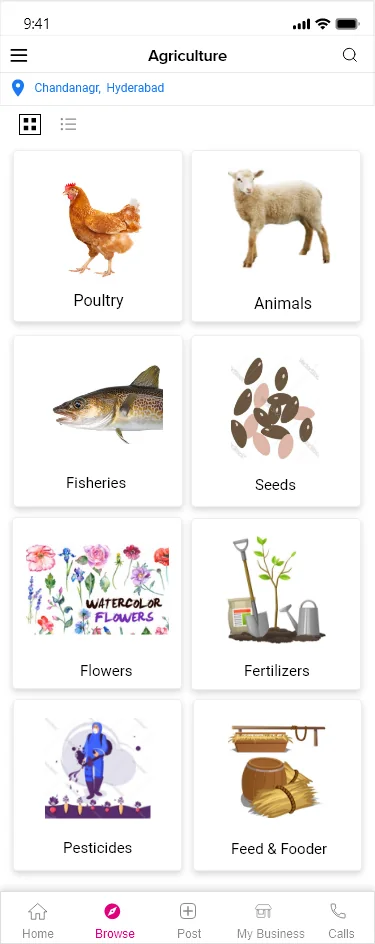
CallKisan marketplace home feedCallKisan product listing details
Browse farm products · View an item

Buy & sell farm products

Buyers can find farm products, check the details and talk to sellers. Sellers can list what they have for sale.

  • Product listings
  • Find nearby sellers
  • Buyer–seller chat
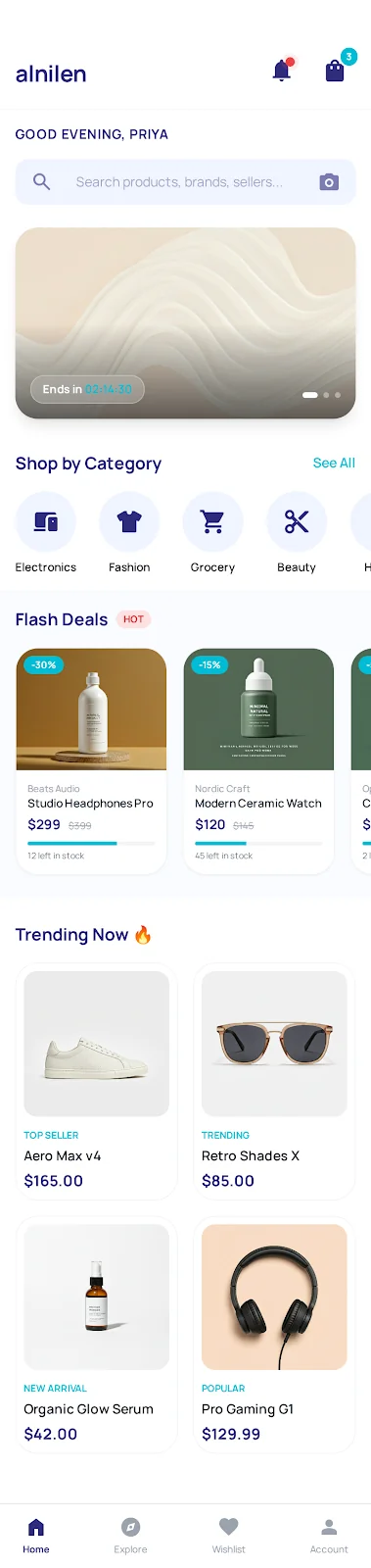
Alnilen shopping app home screenAlnilen product detail interface
Browse products · Check details

An online shopping marketplace

Customers can browse products and place orders. Sellers can manage their products, while the business team keeps track of orders.

  • Browse products
  • Manage products
  • Manage orders

Make everyday work easier

What should
your app do?

Let customers buy or book, help your staff do their work, and manage your business from one place. We help you choose the features you need.

Request an app estimate

Let customers buy or book

Customers can shop, book a service, pay by UPI or card, and check their order status — all in your app.

  • Shopping
  • Bookings
  • Payments

Help your staff get work done

Give delivery staff, sellers or service teams their own app. They can see new tasks, find the location and update you when the work is done.

  • Daily tasks
  • Maps
  • Work updates

Manage your business in one place

Add products, check orders and bookings, manage staff, and view payments. Stay informed without calling everyone for updates.

  • Orders & bookings
  • Staff
  • Payments

Make your existing app better

Is your app slow, confusing or unfinished? We check it, fix problems and improve the screens. We keep what works and add what you need.

  • Fix problems
  • Simpler screens
  • New features

These are example screens. Your app will be designed for your business.

Choose where your app will work

Android, iPhone,
or both?

We help you choose based on your customers' phones, the features you need and your budget.

Build both together

Most of the app is built once and used for Android and iPhone. We check both versions so they work well on each phone.

Useful when both apps need similar features.

Build each app separately

We can build a separate Android app and iPhone app when you need special phone features. Each app will need its own updates.

You can also start with just Android or iPhone.

Not sure which way to go? Tell us what the app should do. We will explain the options in simple words before you decide.

Start with what matters most.

You do not have to build every feature on day one.

Build the basics first

Start with the main job, such as taking a booking or an order. Add more after customers try the app.

Plan for everyone using it

Customers, staff and owners may need different screens. Each person gets the tools and access they need.

Use what already works

Already started an app? We check the code, access and instructions before deciding what to keep or improve.

From the phone to your daily work

Your app can connect customers, staff and business systems.

A useful app often needs more than mobile screens. We plan the information, permissions, integrations and operating tools behind the customer experience.

01

Roles and permissions

Customers, staff, managers and partners can have different access based on the work they need to do.

02

Business workflows

Orders, bookings, assigned work, approvals and service requests can move through agreed steps.

03

Reports and history

Your team can review useful records and see what changed, subject to the reporting included in the project.

Have an existing API, payment account or internal system? Share the documents and access available. We will check what can connect before including it in the scope.

From your idea to a working app

How we build
your app.

You see the design, try the app and share feedback along the way. We explain what happens at each step.

  1. Tell us your idea

    Tell us who will use the app and what they should be able to do. We agree on the work to start with.

  2. See the design

    See how the screens will look and work. Share your changes before we start building.

  3. Watch it take shape

    We build the features you agreed on and show you progress. You can try the app and give feedback.

  4. Check it together

    We test the screens, payments and phone features. We fix problems and prepare the app for the stores.

  5. Get ready to launch

    We help with the agreed store submission work, hand over code and access, and explain how to run the app.

A clear plan for your budget

What will your app cost?

Tell us what you need. We share an estimate with the work, cost and payment stages before you decide.

See what affects the cost
  • Features & peopleThe cost depends on what the app does and whether you need customer, staff and owner screens.
  • Design & connectionsCustom screens, online payments and connections to your existing software take different amounts of work.
  • Launch & supportTesting, store fees, hosting and support need a plan too. We show what is included and what costs extra.

Before you start

Questions?
Let's make it clear.

From app ownership to support after launch, we explain the details before you commit.

Request a project estimate
Will I own the app and its code?

Your agreement will say who owns the app code, when it is handed over, and who controls the code storage and developer accounts. Tools made by other companies may have their own licence rules.

Who handles the Play Store and App Store accounts?

Your business should control its store accounts. We agree on setup help, account fees and who submits the app before work starts. Google and Apple review each app, so approval cannot be guaranteed.

Can I change a feature later?

Yes. We explain how the change affects the design, work, testing, cost and delivery date. We agree with you before starting it.

Can you add online payments and messages?

Yes, when they are included in the agreed work. Payment and messaging accounts need to be set up with the right access. Transaction fees and message charges are separate costs to discuss.

What if a payment or other service is not ready?

We ask for the access and approvals early. If the provider is delayed, we may be able to continue with a test version. The launch date may need to change.

Can you finish an app someone else started?

We can check it first. We review the code, account access, licence rules and any missing instructions. Then we explain what can be used and what work is still needed.

Will you help after the app is launched?

We agree on the support before starting. The proposal explains help with bugs, hosting, regular updates and new features, including what is covered, for how long and how support requests are handled.

Plan your mobile app

Tell us what the app should help people do.

Share the users, main features, preferred platforms, integrations and any existing software. We will use them to prepare the scope and estimate.

Request a project estimate