Apps for your customers
Find, book, buy or control.

We understand your industry's unique challenges. Our domain experts craft tailored technology solutions that drive real business outcomes.
Find, book, buy or control.
Manage the work behind the app.
Keep the right information together.
Find your industry
Pick an industry to see a product journey and the Sagiam work behind it.
Choose your industry
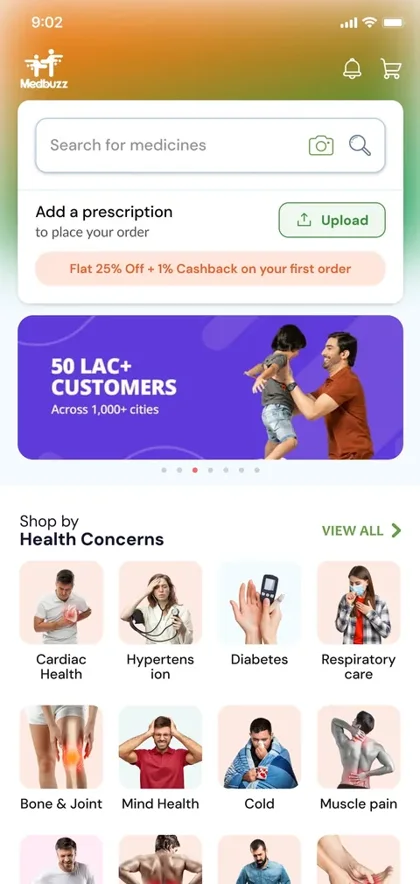
Help people find medicines, review products and place an order.
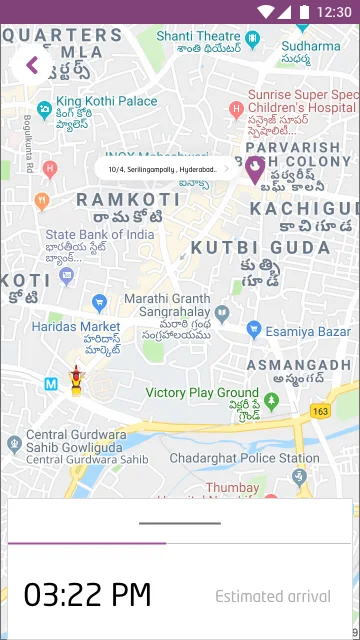
Connect customers, drivers and the people handling deliveries.
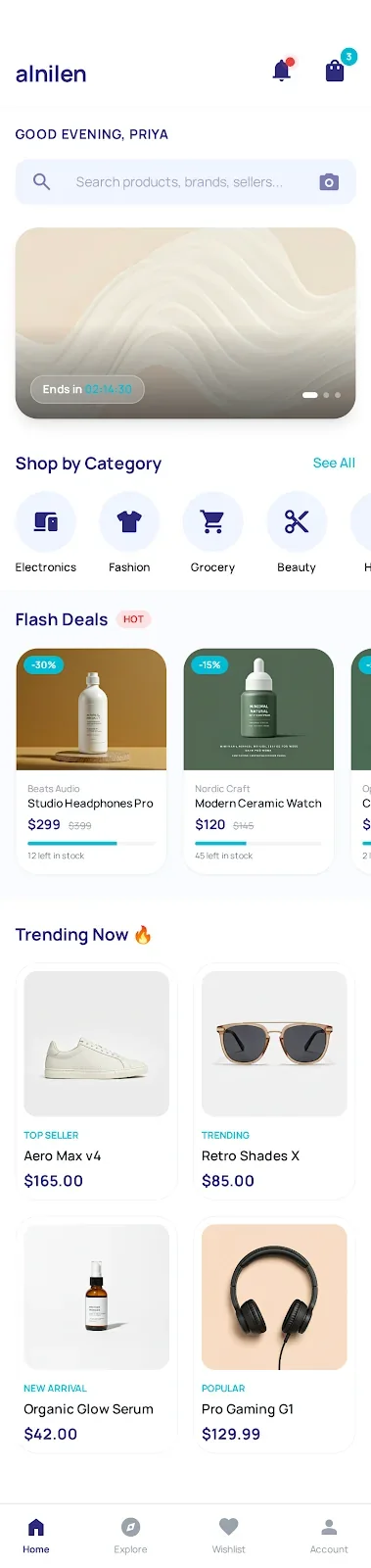
Help buyers find products and give your team clear order tools.
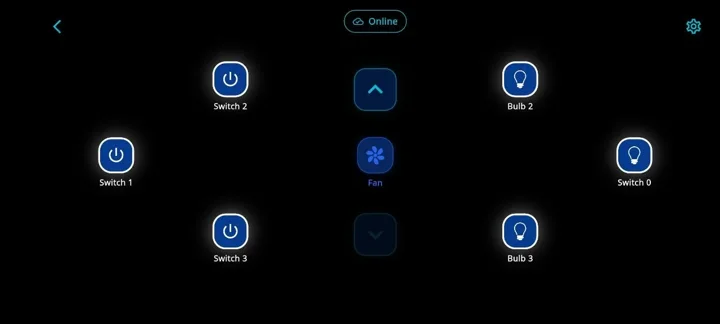
Bring nearby setup, device control and daily operations together.
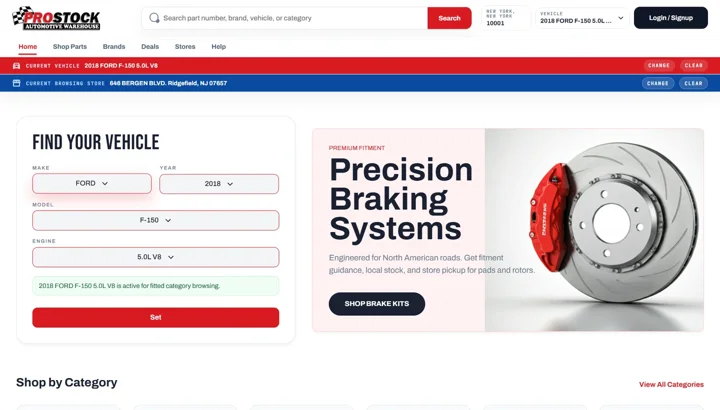
Help customers find compatible parts and check store availability.
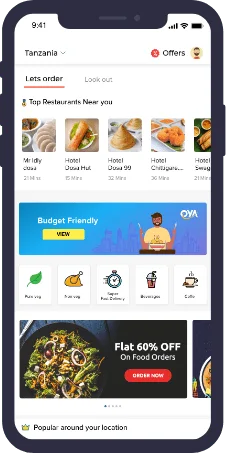
Connect restaurant discovery, table booking and food orders.
Courses, learner access and controlled video playback.

Plan passenger journeys, driver actions and operator tools together.

Make travel information and the next enquiry step easy to follow.

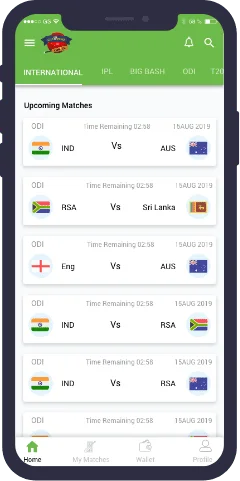
Give players a clear path from choosing a match to entering a contest.
Help people show their work, discover talent and start a conversation.

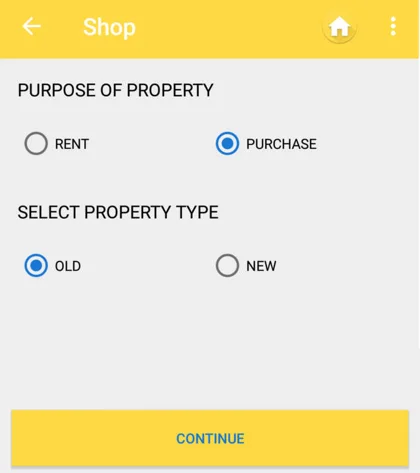
Explore direction tools and property guidance in the CheckVaastu work.
See the product, not just the promise
Explore how customer actions connect to the tools and information a business needs.
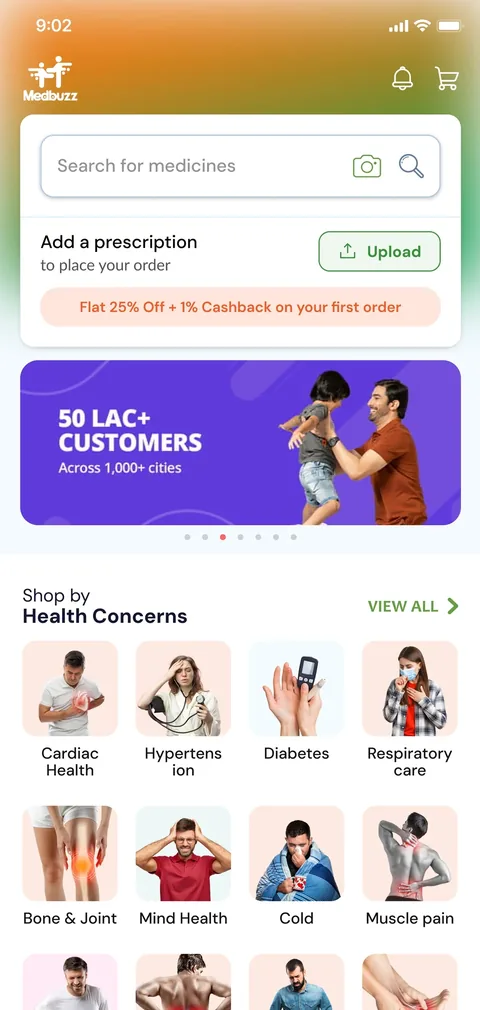
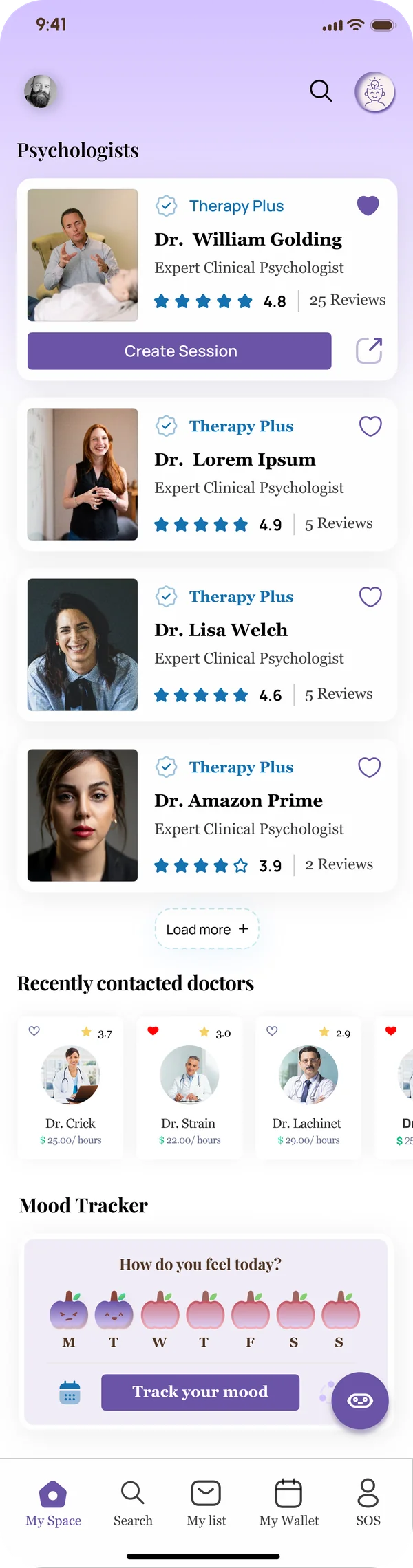
Medbuzz shows medicine discovery and ordering. Mind360 shows therapist discovery and consultation journeys. Each product makes the next user action easy to follow.
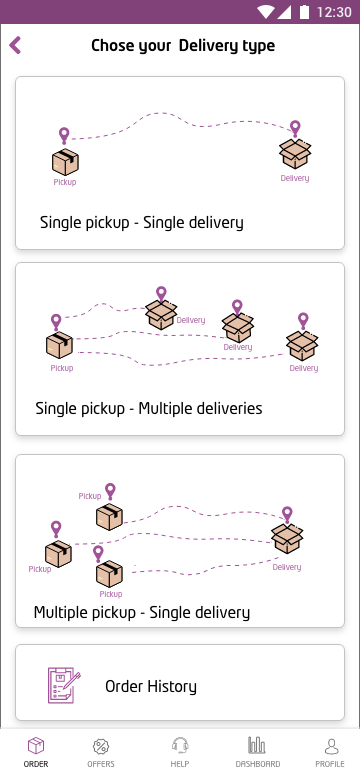
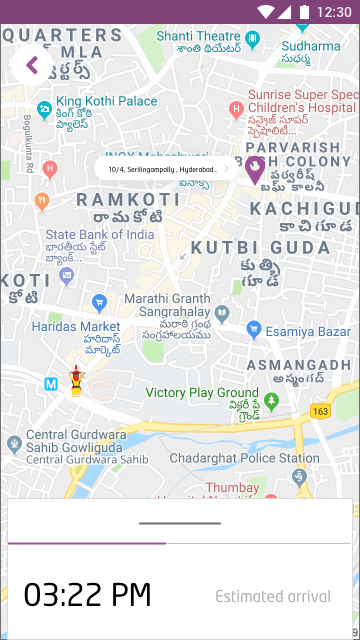
The customer books a delivery. Driver and tracking screens explain what happens next. Explore how the Octopus work connects the journey from booking to delivery updates.
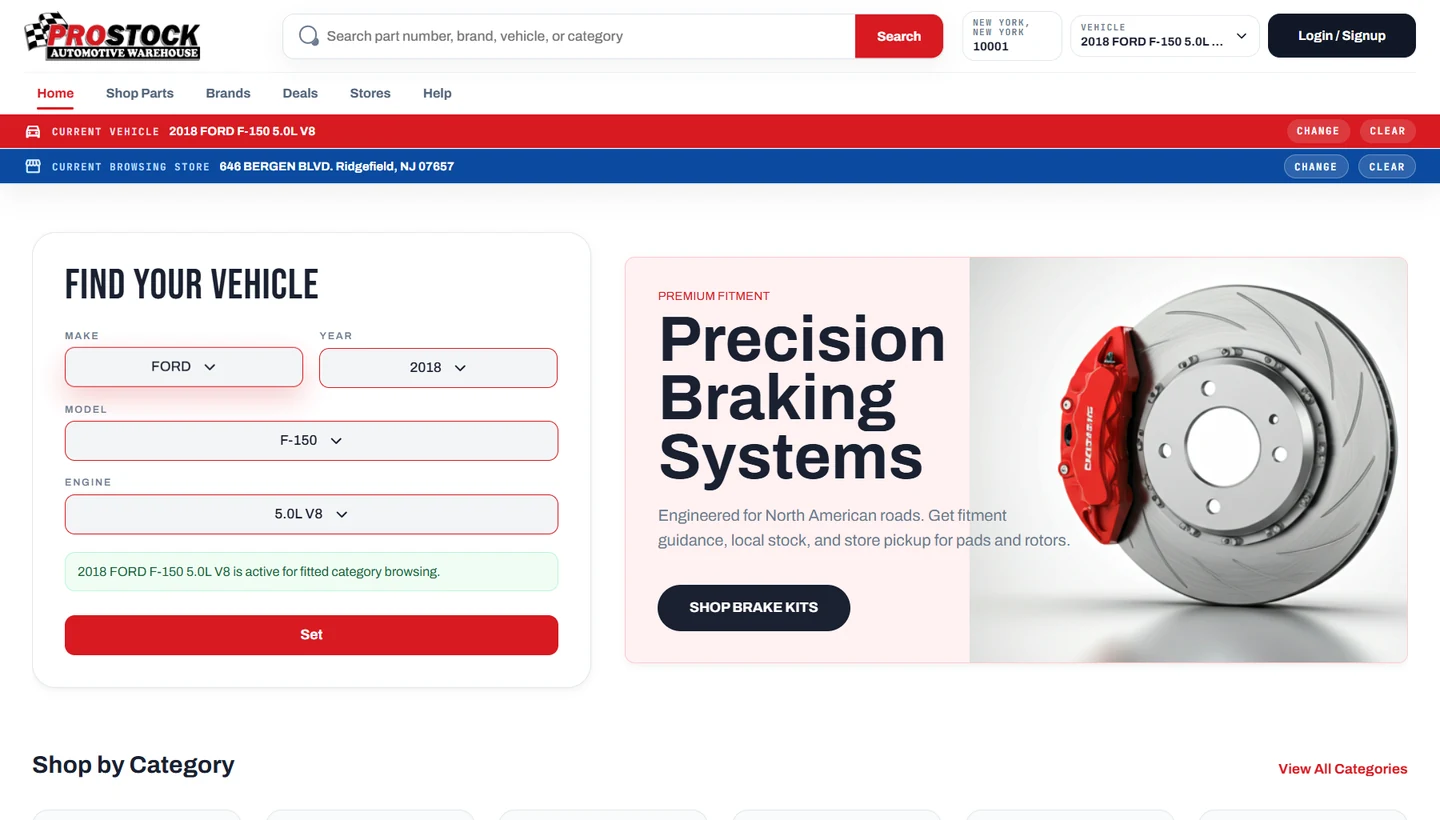
A part name alone is not enough. ProStock brings vehicle selection, product search, store availability and ordering into one connected store experience.
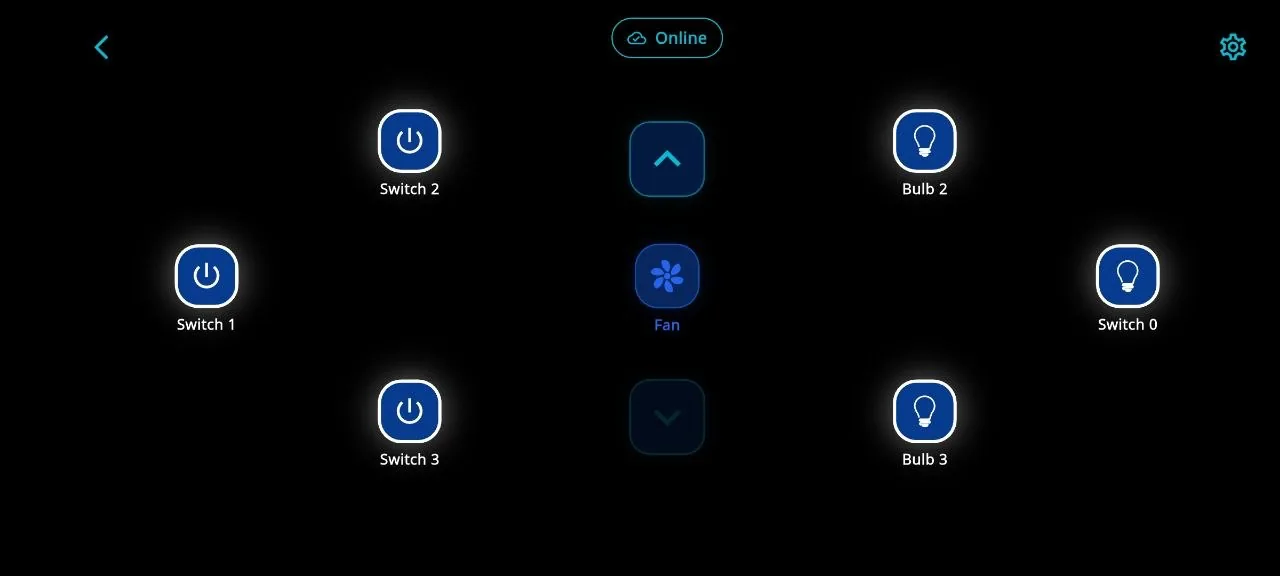
MeiSpace brings device setup, switch and fan control, commerce and operations into one product system. Its workflows show waiting, confirmed and offline states instead of assuming every tap worked.
How we plan the work
You do not need to arrive with a technical document. Start by showing us what your customers and team need to do.
Tell us who uses it, what they do and where they get stuck.
Review the screens and the steps before development.
Connect the app, team tools and agreed integrations.
Review normal steps, mistakes and missing information.
Plan access, launch tasks, documentation and support.
The work behind the screen
We plan what the customer sees and what your team needs to manage behind it.
Illustrative product structure · agreed for each project
Plan what customers, staff and managers can see and change.
Agree which changes, orders or device actions need a history.
Review failed payments, missing data or offline devices where relevant.
Confirm the features, integrations, responsibilities and support before work begins.
Your business, your next step
Show us the customer journey or the task your team wants to simplify. We will help you turn it into a clear product plan.
Construction and home services? See how the Y Junction website brings its services together ↗