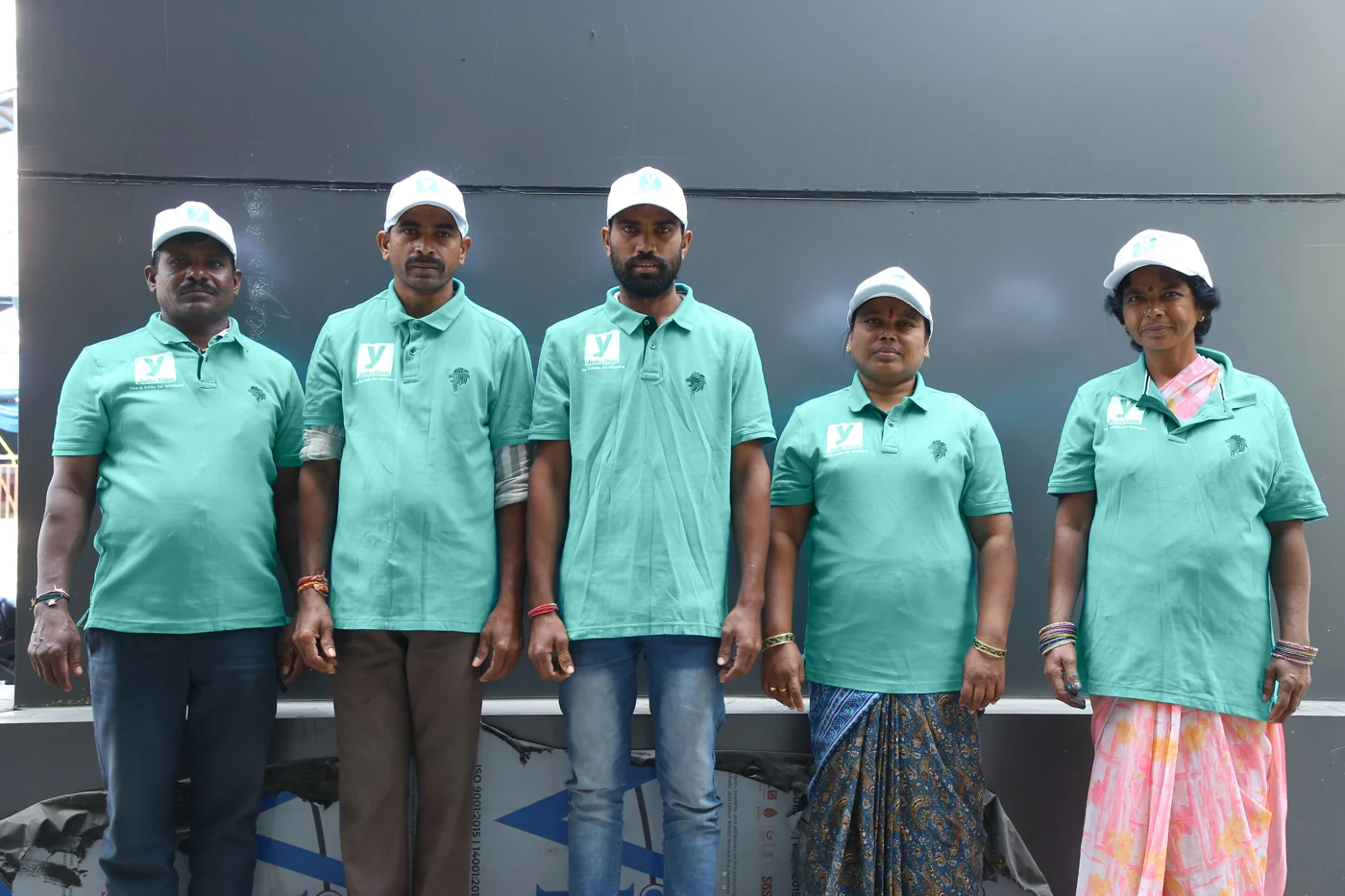
FOR THE WORKSITE
Help for building work.
Daily labour, masons, material handling and digging work.

WEBSITE CASE STUDY · Y JUNCTION
A place to find help.
A clearer way to get started.
Construction workers and home services, brought together through one easy-to-explore website.
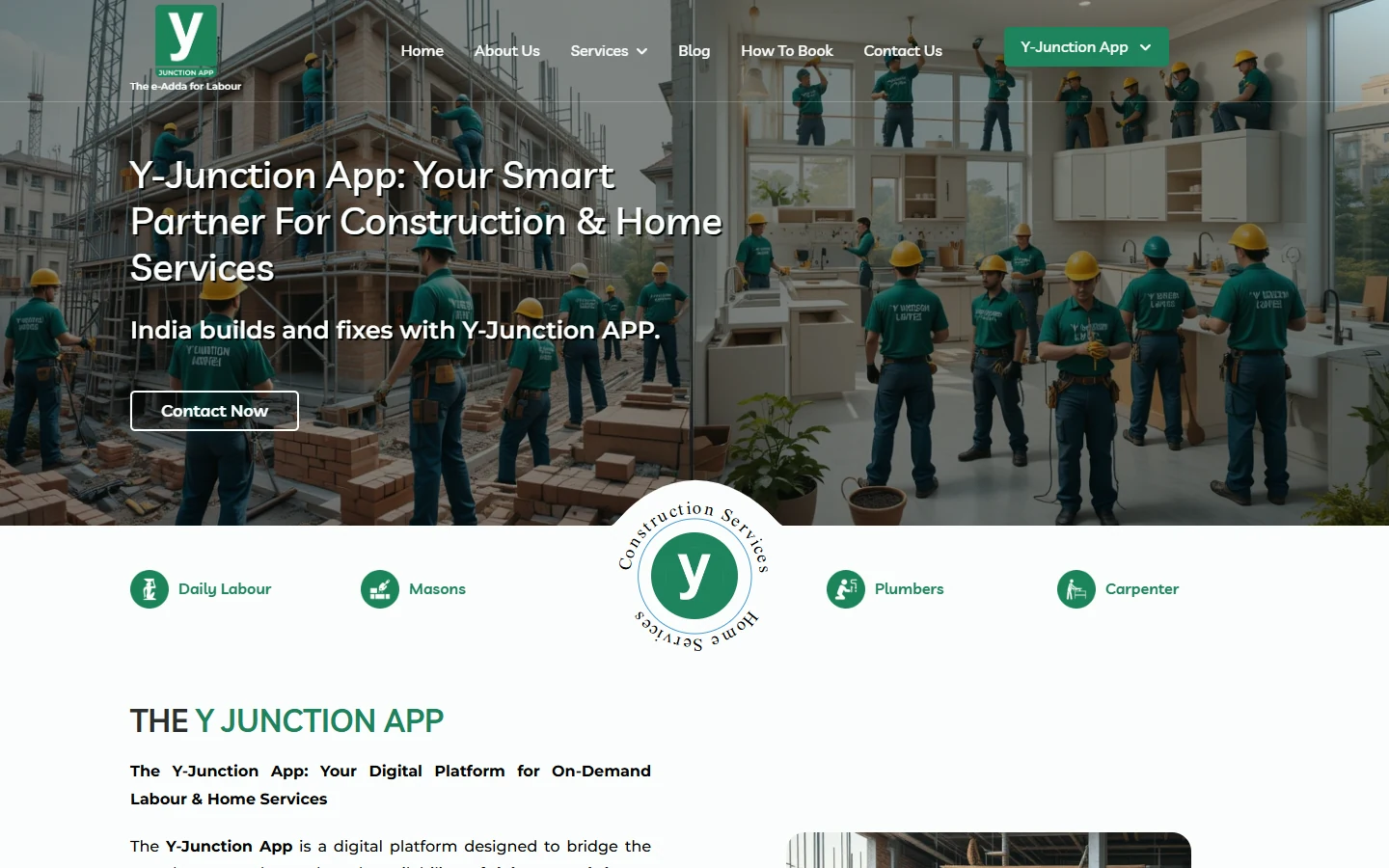
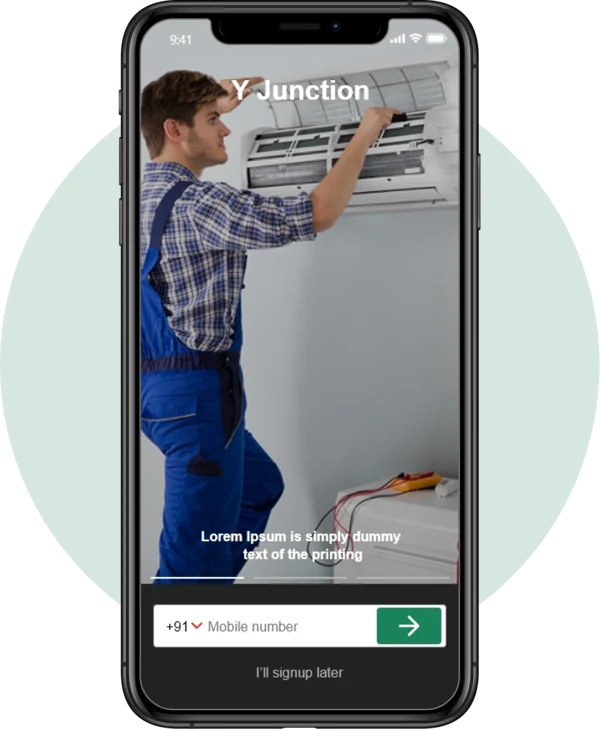 Website app imagery
Live website capture + original website app imagery
01 / THE BUSINESS CHALLENGE
Someone needs a plumber at home. A contractor needs workers on site. The website needs to help both people find the right service without going through a confusing list.
Daily labour, masons, material handling and digging work.

Plumbing, electrical work, cleaning, repairs and more.
02 / SERVICE DISCOVERY
Clear groups and recognisable service names make a large offering easier to explore.
Find labour and trade services for a worksite.
Find help for repairs, upkeep and household work.
Move from a category to a page about the work needed.
03 / A PAGE FOR THE ACTUAL NEED
Visitors do not have to understand the whole business before finding help. A dedicated service page gives their immediate need its own place.
Use words the customer already knows.
Help people understand the service before they continue.
Connect service information with contact and app access.
04 / BOOKING, EXPLAINED VISUALLY
The website explains the app booking journey before asking people to get started.
Start with your account.
Select the service needed.
Provide the work address.
Review your selection.
Schedule the service.
Finish the booking steps.
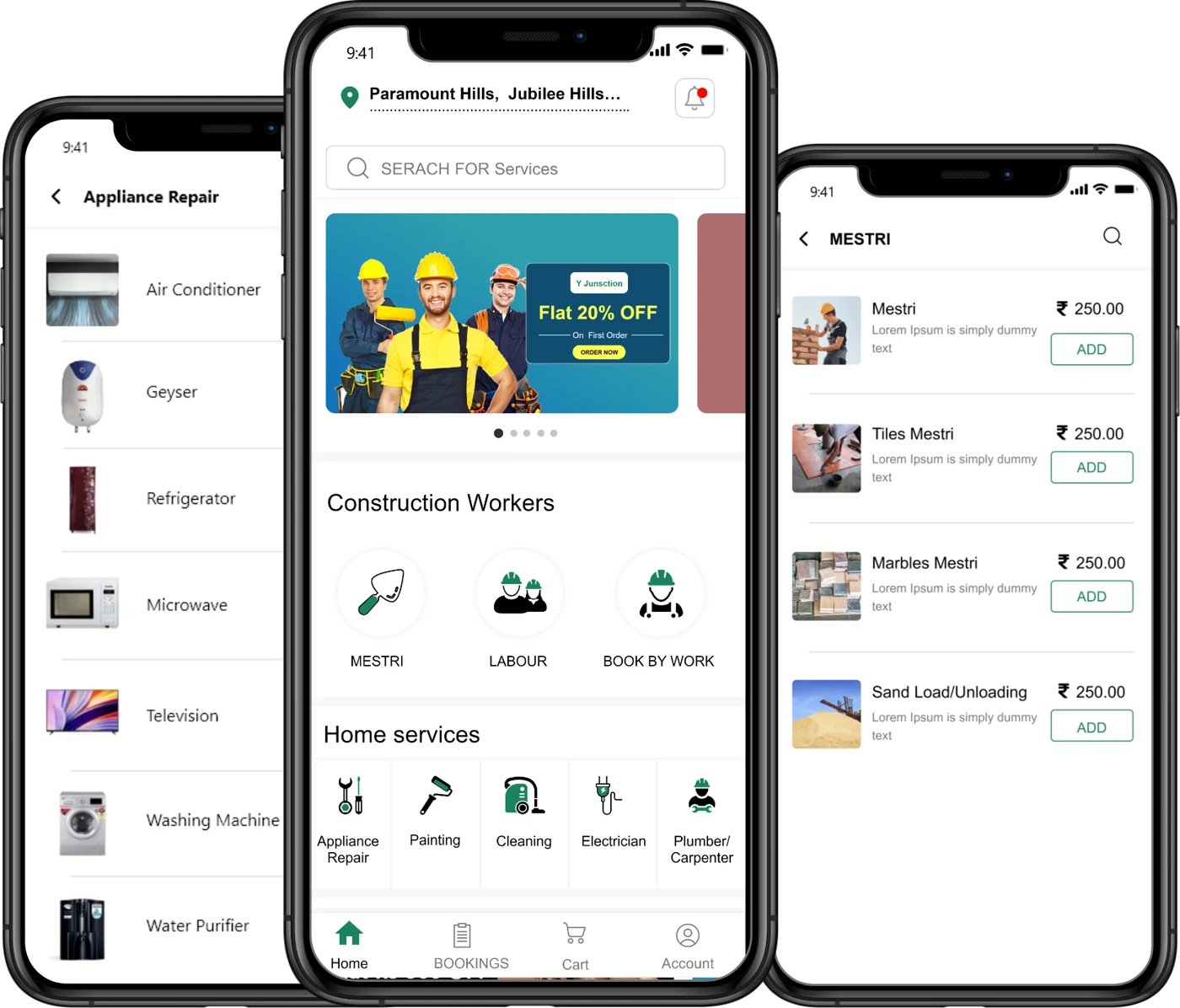
Illustrated summary of the public booking guide. This is an explanation, not a live booking form.
The guide uses phone screens and short instructions to explain what customers need to do. It gives the booking journey a clear beginning, middle and end.
See the public booking guide ↗05 / WEBSITE TO APP
The website introduces the service offering, explains how booking works and provides direct links to the customer app listings.
06 / SAGIAM’S CONTRIBUTION
Sagiam built the Y Junction website, bringing its service information, booking guidance and app-download paths into one public experience.
A visual homepage that explains construction and home services together.
Grouped services and dedicated pages that help visitors find relevant information.
A screen-led guide that walks customers through the app booking steps.
App-store links, company information, contact access and policy pages.
Website contribution confirmed by Sagiam. Screenshots show the publicly accessible website as reviewed on 17 September 2026. Business results, app implementation and internal systems are not assessed in this case study.
LET’S BUILD YOUR CUSTOMER EXPERIENCE
Tell us what your business offers and how customers should get started. We’ll help you plan a website that explains it clearly.