Smart-home app
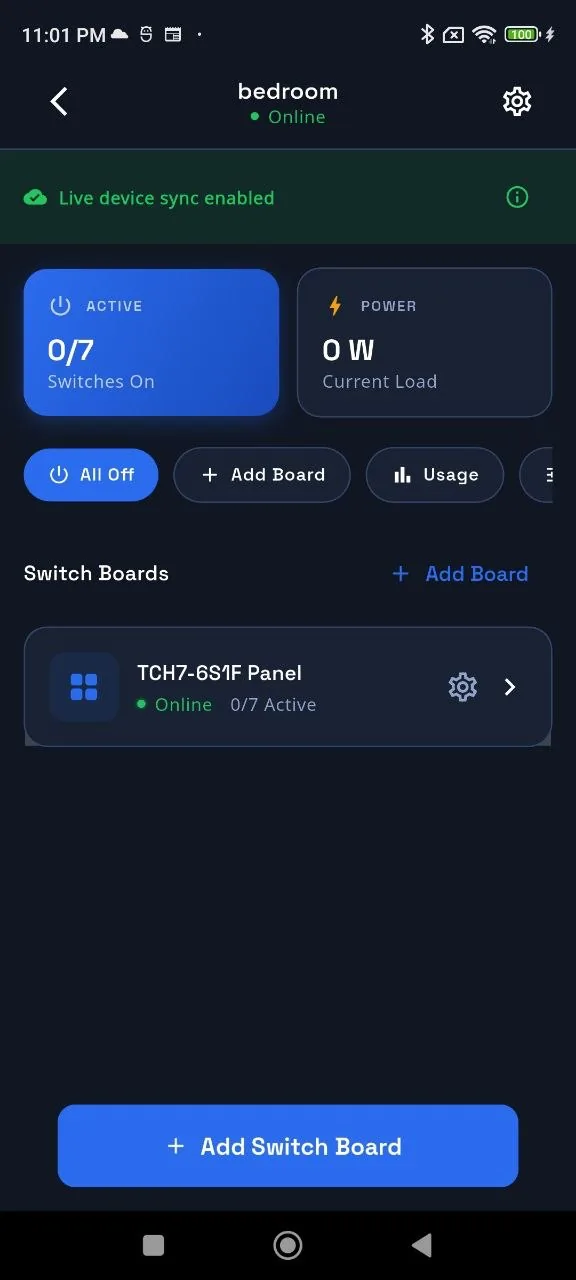
A customer experience for setting up a home, adding a panel and controlling configured circuits.
- Homes and rooms
- Nearby setup
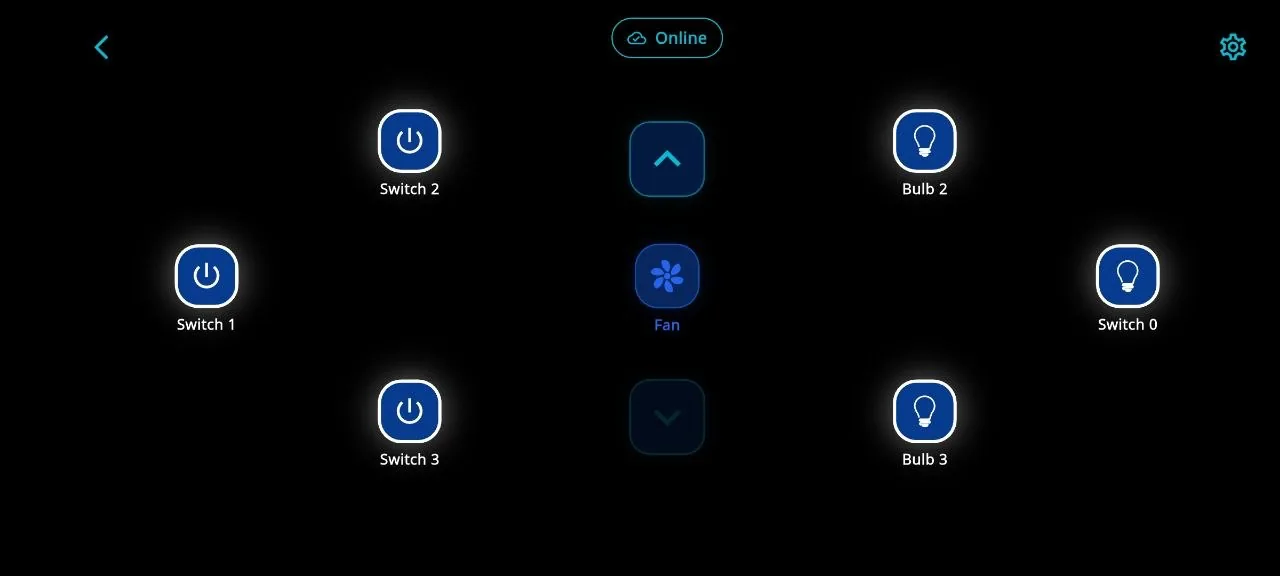
- Switch and fan control
- Sharing, usage and support

Smart-home control, shopping and operations in one connected product system.
Sagiam designed and developed the represented MeiSpace apps, commerce experiences, connected services and operational tools.
Production status and measurable outcomes are pending client confirmation.
One connected product ecosystem
Each surface has a different job, but customers and operators need the same clear device, order and support states.
A customer experience for setting up a home, adding a panel and controlling configured circuits.
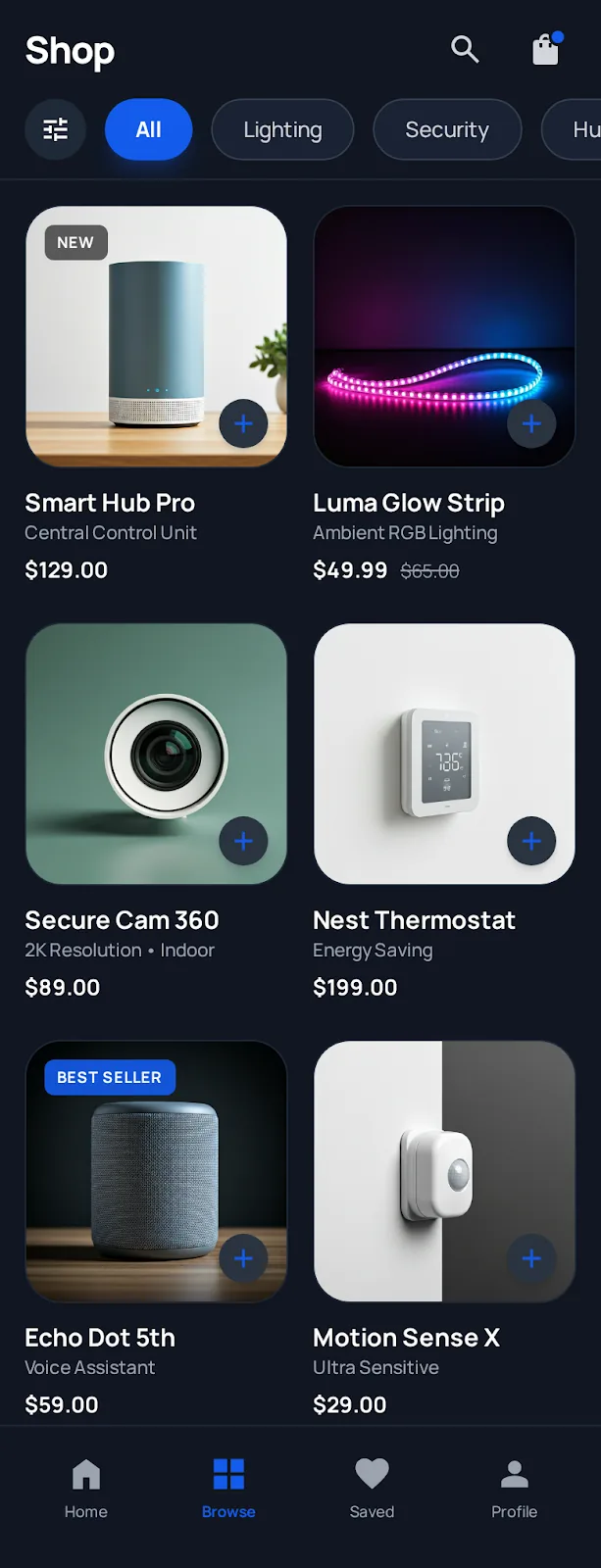
Product discovery and ordering journeys connected to customer accounts and fulfilment records.
Application services coordinate device requests, product workflows and operational records.
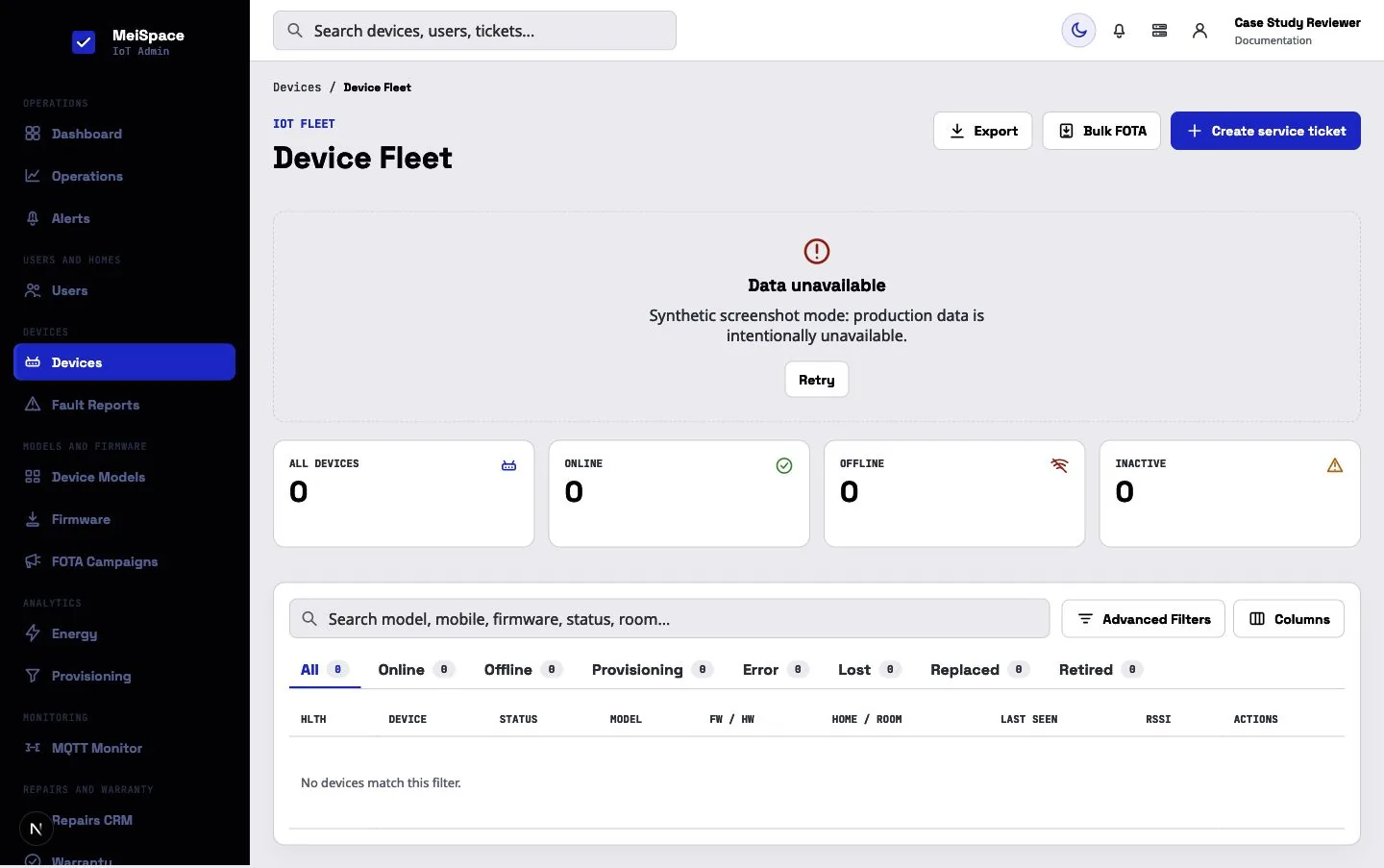
Tools for finding a problem, understanding the current state and recording the next action.
Guided device setup
The app explains what it needs, where setup has reached and which step needs attention.
Turn on Bluetooth and Wi-Fi.
Discover the nearby panel.
Share the selected network locally.
Check network and service readiness.
Place it in a home and room.
Explain the failed step and retry.
Command and confirmation
The documented TCH7-6S1F panel represents six switch circuits and one fan circuit. The customer interface can show waiting, confirmed and offline states based on what the system knows.
The request has been sent. The app waits for a device acknowledgement or state report.
When the connection changes
The workflow was built to make common setup, control and support problems visible and recoverable.
The connected service receives an offline presence state when the panel loses its network path.
The customer can see unavailable or last-known state instead of an unsupported confirmation.
A bulk state report can restore the known switch and fan state after the connection returns.
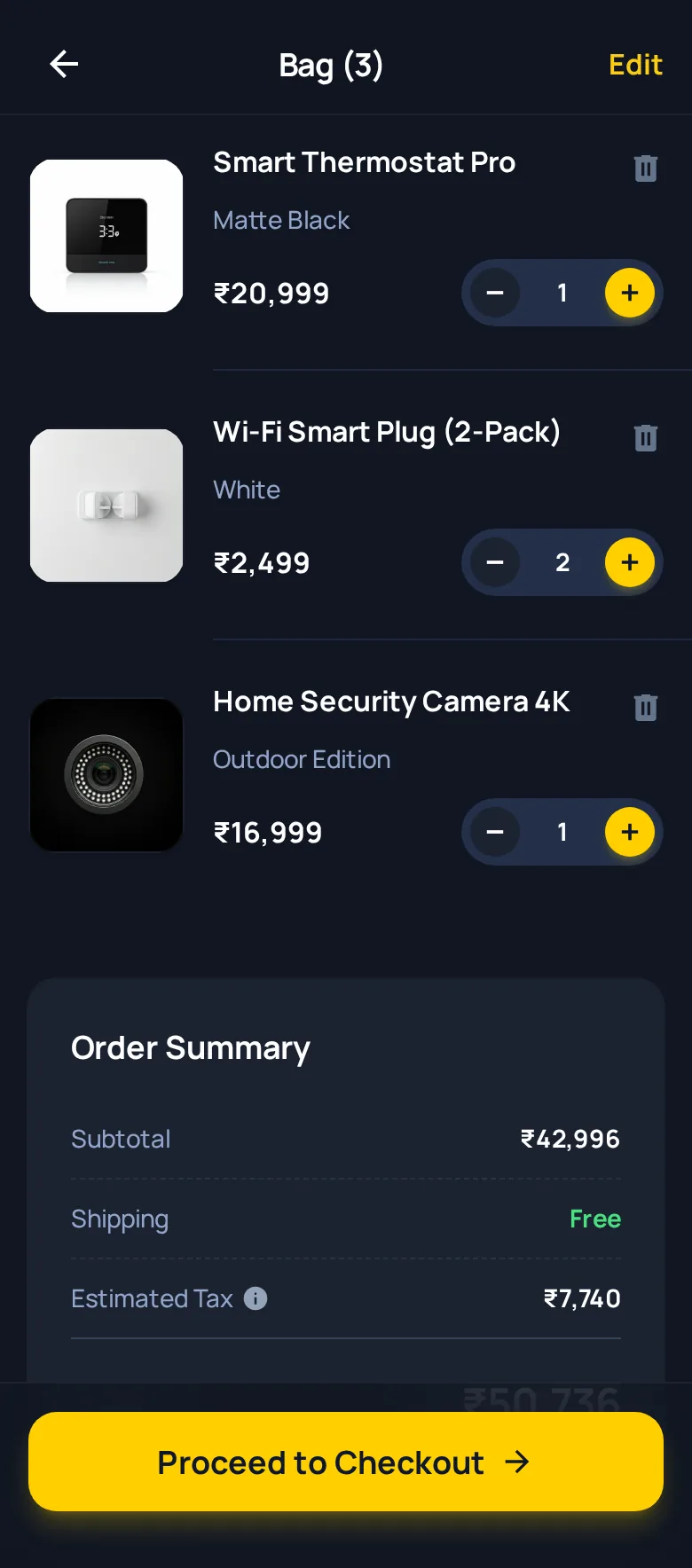
Commerce connected to fulfilment
Self and downline cart lines enter one checkout and payment context. Operational child orders can then carry their own shipment, status, cancellation or refund path.
Reporting-led marketing operations
MeiSpace connects commerce, referral, fulfilment and device activity to operator-facing reporting, giving teams a clearer basis for reviewed customer, campaign and service decisions.
Rules-based and reviewed by people
Operations and recovery
These built interfaces are shown with synthetic empty data. No production customer or device records are displayed.
Engineering foundation
The reviewed implementation spans customer applications, commerce, device messaging and operational tools.
Homes, rooms, device claim, command state and reconnect handling.
Checkout, parent payment and child-level fulfilment records.
Roles, permission interfaces, support paths and audit history.
Evidence and status
An implemented repository surface or workflow reviewed in the supplied project evidence.
A reviewed design concept that is presented as a concept rather than a released screen.
An interface captured without production customer, order or device records.
Production availability and measurable outcomes still require confirmation.
The evidence demonstrates implemented software and product workflows. Production availability, public integrations and measured business results require client confirmation.
Public MeiSpace experiences
The smart-home app, shopping app and online store serve different parts of the MeiSpace customer journey.
Set up, monitor and control compatible MeiSpace devices from the customer app.
View smart-home app ANDROID · SHOPPINGBrowse MeiSpace smart-home and IoT products through the Android shopping experience.
View shopping app WEB · ONLINE STOREExplore smart-home products, shopping and customer support on the public website.
Visit meispace.inExternal destinations open in a new tab. Their current content and availability are managed by MeiSpace.
Build the complete product experience
Show us the device, the users and the business process. We will help you plan the app, connected services and operational tools around how the product must work.
Smart-home customers, commerce users and device operators. Customer device controls, setup concepts, commerce experiences and operational tools.
Customer device controls, setup concepts, commerce experiences and operational tools. The case-study screens and feature explanations describe the represented product areas.
Built UI, designed concepts and synthetic data remain labelled; production status and measured outcomes await confirmation.
The represented interface brings these tasks into a connected product journey. This is a description of the software experience, not a measured increase in customers, revenue or efficiency.
Evidence: the original project screens and feature descriptions on this page. Public availability, delivery dates and measured business results are not established by interface screenshots. Approximate delivery period: not confirmed for publication. Technology and integration descriptions refer to the represented project, not guaranteed support in every new scope.